OpenAI Dots vs Grok Bot vs Meta Muse: which AI agent fits?
Compare OpenAI Dots, Grok Bot and Meta Muse across always-on work, memory, multiple agents, apps, controls and EU/UK launch availability.
Dots, Grok Bot and Muse all promise work that continues after you leave the conversation. Their starting points differ: OpenAI gives you a primary Dot inside ChatGPT, Grok Bot gives you several named Bots that can coordinate, and Meta Muse is a personal agent oriented around everyday goals and connected services. For durable project work, Matrix OS gives you the computer and a choice of native agents.
This comparison reflects public product information on September 29, 2026. Check the Dots announcement, Grok Bot overview and Muse announcement for subsequent changes.
The three products at a glance
| Question | OpenAI Dots | Grok Bot | Meta Muse |
|---|---|---|---|
| What do you create? | One primary personal Dot at launch | Multiple named Bots with distinct jobs | A personal Muse |
| Where does work happen? | The Dot's cloud computer and browser | A shared cloud computer used by your Bots | Muse Secure VM with a browser |
| How does context persist? | Dot memory, conversations and connected-app context | Per-Bot memory and conversations, plus shared computer files | Personal memory and connected context |
| How does work repeat? | Scheduled tasks and proactive research | Skills, routines and supported event triggers | Background tasks and proactive suggestions |
| Where do you reach it? | ChatGPT, with supported messaging channels and voice conversation | Desktop and mobile app, text and voice, Bot group chats | Muse app and supported messaging, including WhatsApp |
| Initial regional position | Pro excludes EEA, Switzerland and UK; Business Premium covers supported ChatGPT regions | Check current Grok Bot account and plan access | Meta's September 29 update describes US and Canada availability |
The computer model matters. OpenAI says each Dot has its own computer. Grok Bot's docs say a user's Bots share one computer while retaining separate Bot conversations and memory. Meta says Muse runs in a dedicated Secure VM. These are different ways to keep work available between sessions.
Dots: one primary agent in ChatGPT
A Dot can follow projects across ChatGPT and connected apps. It can research, schedule work, ask for decisions and use a cloud computer you can inspect. OpenAI describes Custom Rules and approvals for what it may do. Specialist Dots for organizations are currently focused pilots, while more personal Dots are planned. Dots vs Matrix shows how a managed personal assistant differs from a project computer.
Grok Bot: several defined roles
Grok Bot is built around a roster. Give one Bot account research, another bug reproduction and another a recurring report. The Bots can share context and coordinate in group chats; each has a distinct role and memory. You can save a process as a skill and run it as a routine on a schedule or supported event. Those capabilities are documented in Grok Bot's skills and routines guide. A shared computer makes handoffs easier, but also means files and sign-ins on that computer are available to your Bots. See Grok Bot vs Muse for the team-versus-personal choice.
Muse: everyday personal goals
Meta positions Muse around life administration and longer goals: email, shopping, travel, reminders and connected apps. Muse can keep working after the app closes, suggest useful work and ask before sensitive actions. Meta also describes an audit trail and user-controlled access. Its September 29 small-business update adds business connectors and states that Muse is available in the US and Canada. If you are in Europe or the UK, verify current launch availability before planning around it. For a closer look at the two personal agents, read Dots vs Muse.
What should an EU or UK reader do first?
For Dots, the launch rule is plan-specific: OpenAI's Help Center excludes Pro in the EEA, Switzerland and UK but includes Business Premium across supported ChatGPT regions; Enterprise beta requires admin enablement. Muse's current Meta announcement describes a North American rollout. Grok Bot's product and plan documentation is the right place to verify your account's access; do not infer regional availability from an unrelated Grok model release. Our EU and UK Dots guide has the precise plan wording.
If the lasting asset you want is your own project computer rather than a packaged personal agent, compare all four options in Dots vs Grok Bot vs Muse vs Matrix OS. Matrix can run native agents against the same repositories, files and services, with German compute locations available during setup.
Start with Matrix
Give Matrix one bounded job: prepare a source-linked weekly brief, leave any external messages as drafts, and report what needs approval. Inspect the files, browser and terminal afterward, then close your device and return to the same computer. Start with the Matrix quickstart, or use the full nine-product table to evaluate the rest of the field.
Try a first task in Matrix
Give each available personal agent the same bounded research brief and a clear stopping point.
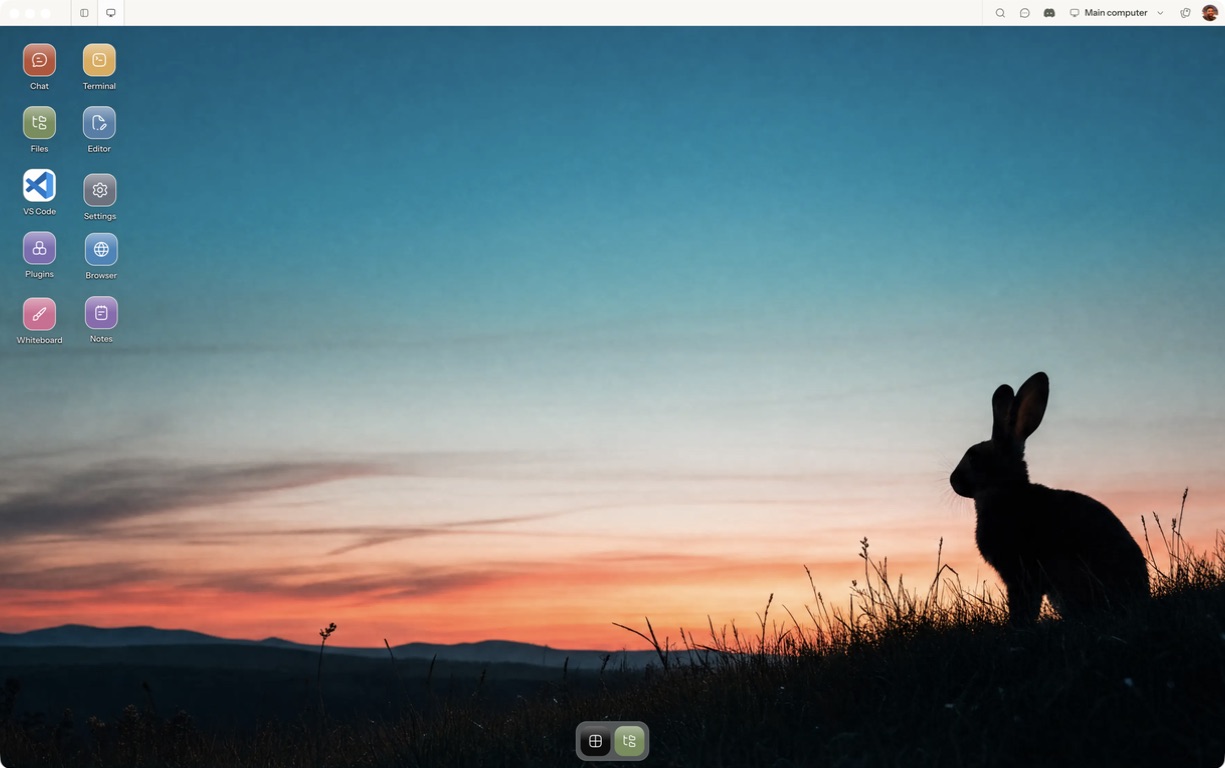
- Follow the quickstart to sign in, choose a computer and complete any required provisioning. To use the native app, follow the desktop installation and approval steps.
- Open a separate session with a small sample project or synthetic input. Configure the agent access needed for that task and make the expected output explicit.
- Compare source quality, approvals, retained context and the account permissions actually used.
For a worked coding example, use the setup and reconnect walkthrough. Inspect the result before expanding the scope or leaving a longer task unattended.
Open Matrix →Read the quickstart →Current plans and pricing →