High
Desktop-first signup
Device code + ClerkDone

The story · 01/04
Start with a repo
codex/desktop-onboarding
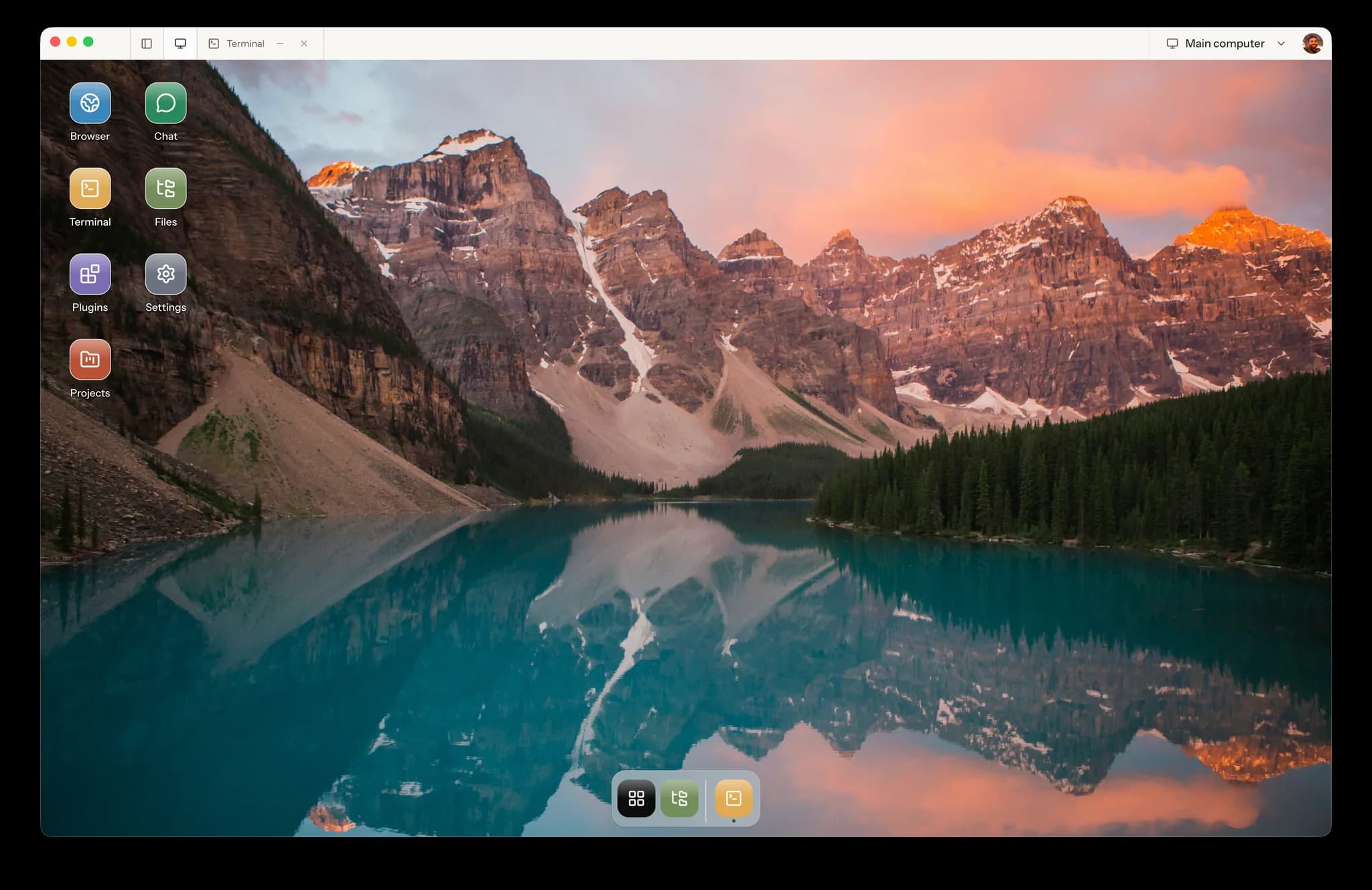
Turn your team’s research, reports, and software work into repeatable agent workflows. Matrix gives your organization a private cloud computer for the agents you choose.
For teams and companies: bring a workflow to a 30-minute walkthrough.Exploring on your own? Download and sign in to get started.3-day free trial · Card required · $0 todayAlways-on work on Builder and Max. Starter sleeps when inactive.
Explore Matrix recipesPaste this into Claude Code, Codex, or Cursor.
Help me set up Matrix OS, my own cloud dev computer.

Steps:
1. Install the CLI: npm install -g @finnaai/matrix or brew install finnaai/tap/matrix.
2. Run matrix login --profile cloud. It opens a browser/device login that I will approve.
3. If no Matrix instance exists, tell me to sign up at https://app.matrix-os.com, then re-run login.
4. Verify with matrix doctor and matrix whoami.
5. Start my preferred coding agent inside Matrix with matrix run -it --session setup -- claude or matrix run -it --session setup -- codex. I will complete that tool's own login inside the remote terminal.

Do not scan my local machine for credentials or upload secret files. Everything authenticates through its own browser/device flow.
Matrix recipes
Start with a useful task. See what to ask, what comes back, and what you review.
Turn a question and a list of competitors into a brief you can make a decision from.
Use this recipeCopy the brief, add your inputs, and run it with your agent. These previews use illustrative data.
Explore all recipesYour task
Compare the three products in my notes. Where could our onboarding be simpler?
I’ve organized your notes into a comparison brief. Setup steps are the clearest difference. Two pricing details still need verification.
Your review step
Check the sources and assumptions before acting on the recommendation.
Create an account or sign in from the app. A secure browser window handles account, plan, and Checkout, then returns you to Desktop.
Use a Matrix recipe or describe your own task. Add the files and connect the tools your chosen agent needs.
Open the report, inspect the files, or review the code. Give feedback in the same workspace and keep the work moving.
Keep work moving after your laptop closes with an always-on Builder or Max computer.
Explore SymphonyClaude, Codex, Cursor, OpenCode, Pi, and Gemini CLI in persistent sessions with repos, tests, and previews.
See supported agentsUse Hermes for connected tools and recurring tasks alongside your coding agents. Available actions depend on your connections.
Meet HermesYour own database, files, and runtime on an isolated computer. Owner-controlled and exportable.
Read the whitepaperDescribe a tracker, planner, or dashboard in Chat, review what Matrix builds, and open it in your workspace. Start with Web Canvas, Web Desktop, or Electron Desktop.
Explore AppsPlanned curated discovery for Matrix apps. Read what is available today and what comes next.
About the galleryTake your work with you
Your files and projects stay in Matrix. Pick up from the screen that suits the moment.
The story · 01/04
Start with a repo
codex/desktop-onboarding
Open an existing workspace in the browser. Work with apps, files, terminals, and agents.
Sign in on webThe same cloud workspace, in a dedicated app for macOS, Windows, or Linux.
Explore desktop appThe mobile app is in progress. Existing users can already use Matrix in a phone browser.
Sign in on webAlways-on work requires Builder or Max. Starter sleeps when inactive.
Works with the coding agents you already use
Split work across Claude, Codex, Cursor, OpenCode, or Gemini CLI sessions without blocking your laptop.
Track what each agent is reading, editing, testing, previewing, and waiting on before you review.
Keep human control over branches, diffs, checks, browser previews, and PRs.
Agent queue
3 active sessions · 2 ready for review
Codex
Refactor billing checkout
running tests
Claude Code
Add CLI quickstart
ready for review
Hermes
Turn Discord feedback into Linear tasks
waiting on approval
Hermes
Coding agents build software. Hermes runs the operating system around them: tool connections, scheduled workflows, notifications, approvals, memory, and everyday actions.
Explore HermesTurn recurring product, support, finance, and engineering work into Matrix workflows that run on schedule.
Work across GitHub, Linear, Slack, Discord, Gmail, Calendar, Drive, Sentry, Datadog, billing, and Matrix apps.
Create internal tools, dashboards, trackers, reports, and app workflows in the same Matrix workspace.
Matrix publishes three focused skills for setup, observable cloud work, and safe GitHub projects. Install them for your coding agents with one Matrix-owned command.
curl -fsSL https://matrix-os.com/install/skills | shCopy for your agent
Help me set up Matrix OS, my own cloud dev computer.

Steps:
1. Install the CLI: npm install -g @finnaai/matrix or brew install finnaai/tap/matrix.
2. Run matrix login --profile cloud. It opens a browser/device login that I will approve.
3. If no Matrix instance exists, tell me to sign up at https://app.matrix-os.com, then re-run login.
4. Verify with matrix doctor and matrix whoami.
5. Start my preferred coding agent inside Matrix with matrix run -it --session setup -- claude or matrix run -it --session setup -- codex. I will complete that tool's own login inside the remote terminal.

Do not scan my local machine for credentials or upload secret files. Everything authenticates through its own browser/device flow.Recommended
Run your VPS
Flexible access for focused work
$20/month
Your first dedicated, always-on computer
$100/month
Maximum capacity for demanding work
$200/month
For teams with custom requirements
Custom
Custom compute, rollout planning, and support for your organization.
Security and deployment review
Custom capacity and support
A rollout shaped around your team
One Matrix computer per plan.
Each additional computer repeats the same plan and Checkout flow.
From the blog
A practical guide to the Matrix architecture for shared workspaces, company data, reliable agent workflows, permissions, approvals, and review.
Read articleA practical guide to remote agent work: terminals, files, task outputs, persistence limits, and how to run your first Matrix workflow.
Read articleRun Claude Code on a Matrix cloud computer, reconnect to the same terminal, and review its files and tests after your laptop sleeps.
Read articleBring Matrix to your team. Let’s explore your workflows, deployment needs, and a practical first pilot.
Book a team demoGive AI agents a private cloud workspace for research, reports, recurring tasks, and software development. Open the files, apps, browser, and terminals alongside the agents doing the work. Available actions depend on the agent and tools you connect.
Reusable task briefs with the inputs, instructions, expected result, and review boundaries for a job. Start by copying a recipe into your agent and supplying the requested inputs. One-click installation in the web app and desktop app is planned.
Builder and Max provide always-on computers for scheduled and background work. Starter sleeps when inactive and does not include scheduled or always-running agents. Agent usage limits and connected service availability still apply.
Bring Claude Code, Codex, Cursor, OpenCode, Pi, Gemini CLI, and terminal agents. Matrix also hosts Matrix-native agents like Hermes and OpenClaw-style assistants for workflows and connected tools.
Symphony is the Matrix orchestration layer for autonomous coding: parallel sessions, task queues, terminal runs, previews, PR review, and handoff between agents and humans.
Hermes is the Matrix-native agent for workflows and connected tools. It can work across GitHub, Linear, Slack, Gmail, Calendar, Drive, billing, settings, and Matrix apps with your permission.
Your files live in your Matrix home and workspace data lives in your Matrix database. Matrix is built around owner-controlled data, exportability, and isolated hosted computers.
Hosted plans are $20/month for Starter, $100/month for Builder, and $200/month for Max. Your first primary Matrix computer can start with a 3-day free trial. A card is required, you pay $0 today, and Stripe automatically charges the selected monthly price when the 3-day trial ends unless you cancel first. The offer is once per Matrix account; additional computers bill immediately. Enterprises can contact us for a custom plan.
Start with a research brief, a weekly report, or a bug fix. Book a walkthrough to explore how Matrix fits your team’s work, or download and try it yourself.
By using Matrix OS, you agree to the Terms and acknowledge the Privacy Policy.

 Claude Code
 Codex
Codex Pi
Pi OpenCode
 Cursor
 Gemini CLI