Choose the agent and model
Use Claude Code, Codex and other compatible native agents in the same computer. Configure Hermes with the model and provider that fit the job.
Create agentsCompare Matrix / Dots, Grok Bot and Muse
A clear guide to personal agents, bot teams and the persistent Matrix computer.
 Matrix OSKeep the workspace. Choose the agents.
One project. Work you can inspect.
A closer look
Official competitor artwork and actual Matrix Desktop screenshots. The artwork identifies each product; it is not a screenshot of its interface.

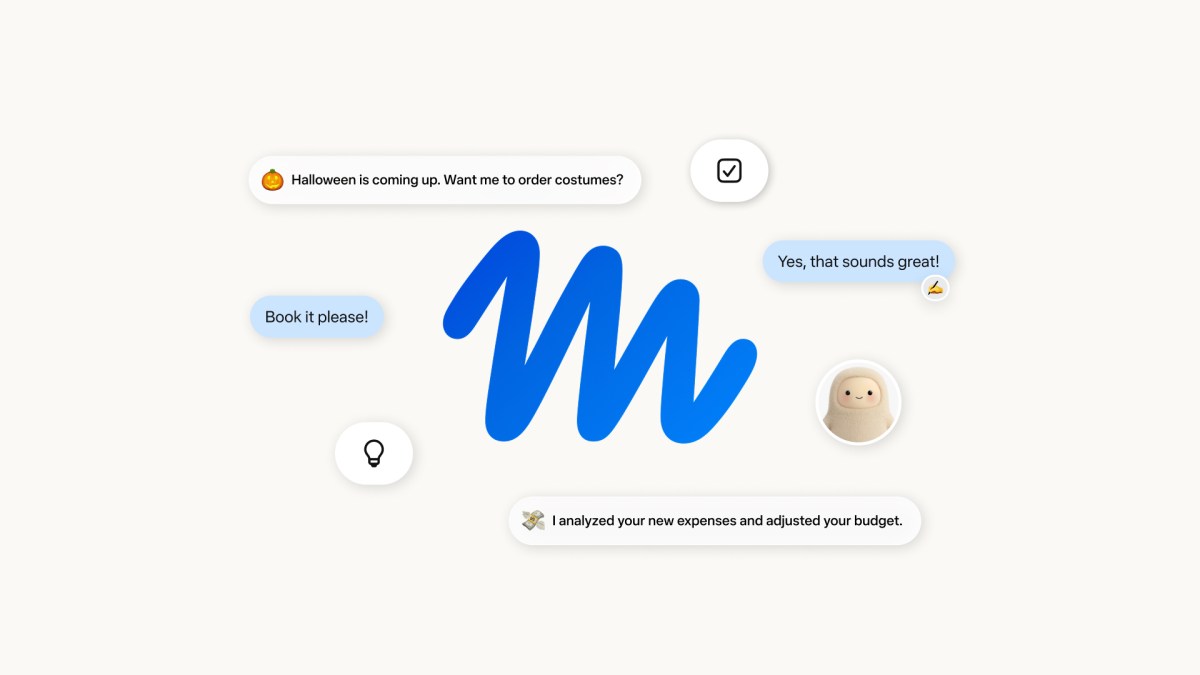
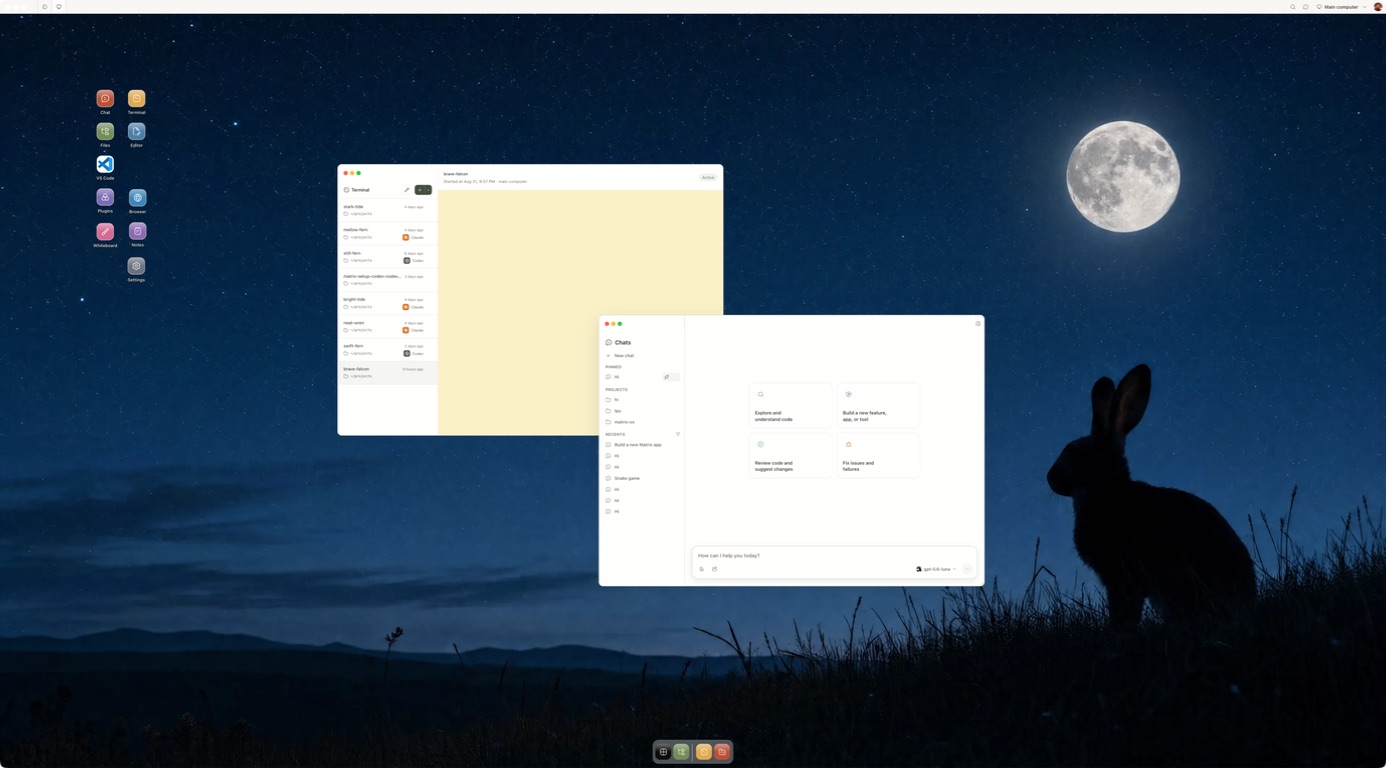
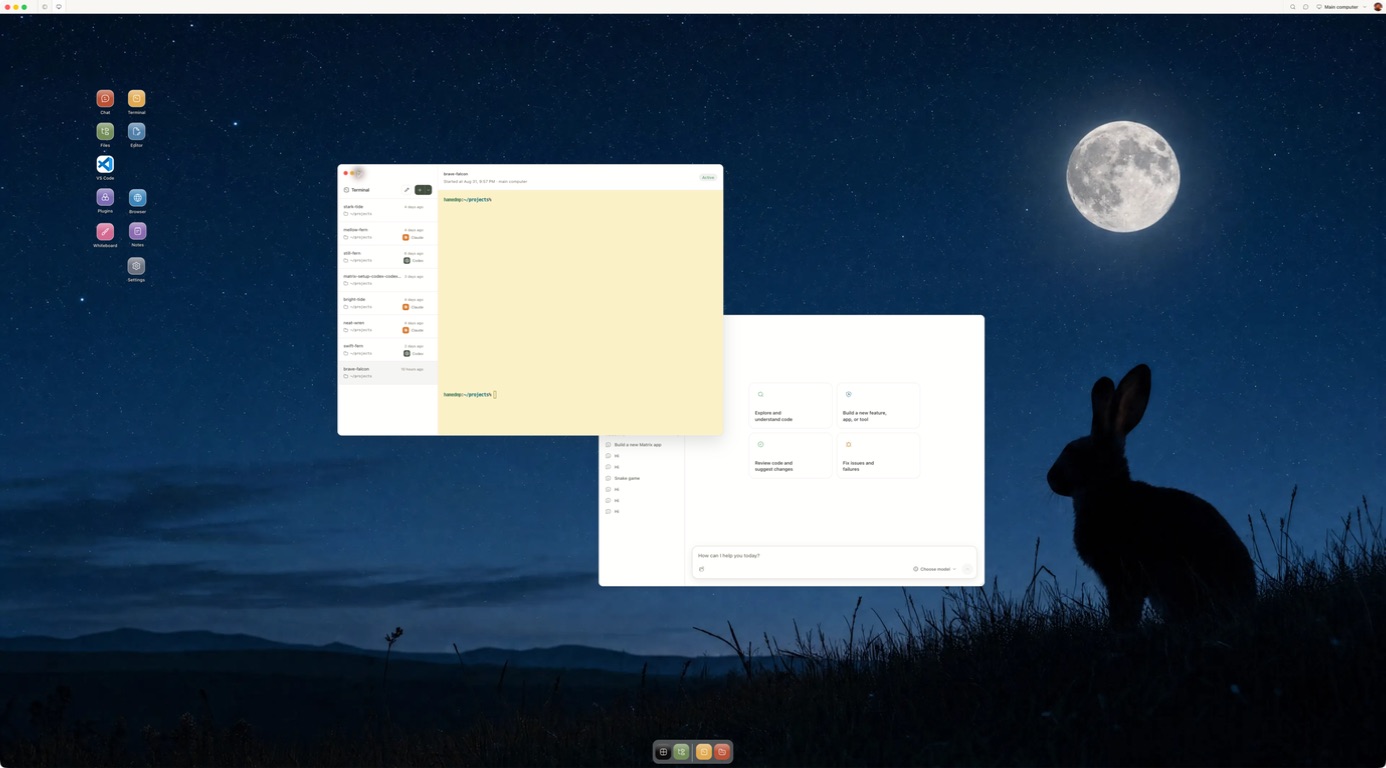
Competitor artwork is reproduced from public product materials for identification. Matrix images show the current Desktop product.
Why Matrix
Matrix is a place for agents to work across projects and providers. These are the practical reasons teams add it to their stack.
Use Claude Code, Codex and other compatible native agents in the same computer. Configure Hermes with the model and provider that fit the job.
Create agentsChoose the computer plan and model provider separately. Check each provider's usage and billing before a long-running job; Matrix does not promise a universal spend cap.
Matrix pricingGive connected services only the access a task needs. Inspect the workspace and review consequential output before it leaves your team.
Security and privacyWork on a persistent computer with files, browser, terminal and running services. Manual self-hosting on your own VPS is available in Preview, with different setup and feature coverage from managed Cloud.
Self-host PreviewShare live Chat or terminal sessions with owner, editor and viewer roles, so people can review the same work together.
CollaborationMatrix is built in Europe, supports EU and UK teams, and offers German compute locations for the computer. Check provider and connected service regions separately.
EU and UKAsk our team about the up-to-€1m guarantee program for qualifying engagements. Coverage and eligibility are supplied through sales.
Explore the programThe details
We publish these comparisons ourselves. Follow the linked product sources and test one task before you choose.
Four products promise to keep agent work moving after you close your laptop. Dots, Grok Bot and Muse package that experience inside their respective services. Matrix gives you the persistent computer behind the work: bring the agents you prefer, open their files and browser, and return to the same project environment. If the result needs to remain useful beyond one agent conversation, start with Matrix.
This guide reflects the public launches of Dots, Grok Bot and Muse, plus Matrix's current product, on September 30, 2026. Availability and features may change during rollout.
| Question | OpenAI Dots | Grok Bot | Meta Muse | Matrix OS |
|---|---|---|---|---|
| What is the product? | A personal Dot in ChatGPT | Multiple named xAI Bots | A personal agent for ongoing goals | A persistent computer for human and agent work |
| Where does work run? | A Dot's cloud computer and browser | One cloud computer shared by your Bots | A dedicated Secure VM and browser | Your Matrix computer with browser, terminal, files and services |
| What holds context? | Dot memory and connected-app context | Per-Bot memory and conversations, shared computer files | Muse memory and connected context | Saved chats, files, instructions, skills and sessions |
| How can work repeat? | Schedules and proactive research | Skills, routines and supported triggers | Background tasks and proactive suggestions | Scripts, agent sessions and configured Hermes workflows |
| Agent or model choice | Dot powered by GPT-6 Astra | Grok Bot experience | Muse experience | Native tools including Claude Code, Codex, OpenCode and Pi |
| Typical outcome | Briefings, coordination and connected-app work | Coordinated jobs across defined Bot roles | Personal planning, services and approved purchases | Repository changes, running services and durable project state |
| Human control | Custom Rules and approvals | Bot instructions and action approvals | Approvals, access controls and audit trail | Direct access to computer and tool permissions |
| EU/UK picture at this date | Pro rollout excluded; Business Premium and Enterprise rules differ | Verify your Grok Bot account and plan | Meta describes US and Canada | EU/UK supported; German compute regions available |
The four computer models deserve a closer look. OpenAI says each Dot has its own computer, though there is one primary personal Dot at launch. xAI says your Bots share a computer while keeping separate Bot memory. Meta says Muse uses a Secure VM. Matrix gives you a persistent project computer and lets you choose which native agents work in it. A computer in a product does not by itself tell you how easily you can inspect files, control processes or reuse that state elsewhere.
A Dot follows work across ChatGPT and connected apps. OpenAI describes memory, feedback, scheduling, proactive research, a browser and supported channels such as Slack, Teams and voice. Its broad app catalog is a potential set of connections, not a promise that every app is configured on your account. You can inspect the Dot's computer and set Custom Rules for approvals. Matrix gives you a separately operated project computer and native agent choice; see Dots vs Matrix for the practical differences.
Grok Bot lets you create multiple Bots, give them jobs and bring them together. Their per-Bot memory helps preserve role context, while their shared computer makes files and app sessions available across Bots. xAI documents skills, schedules and supported event triggers. Matrix also supports multiple agent sessions, while keeping the project computer directly accessible to you. See Grok Bot vs Matrix for the control and hosting differences.
Meta positions Muse around planning, messages, shopping and longer personal goals. It has a browser-equipped Secure VM, memory, proactive work and approvals. Meta describes an audit trail and an approved checkout flow using Link and a one-time card. Its small-business update names additional app connectors. Matrix is built for durable files, apps and projects you can operate yourself; Muse vs Matrix explains that difference.
Matrix starts with the computer you operate. Bring in a repository, run Claude Code or Codex, inspect the terminal and browser, keep services running and return to the same files later. Multiple sessions and separate worktrees support concurrent tasks; Symphony adds coding coordination. Builder and Max computers stay on, while Starter sleeps. Hermes and supported integrations can handle configured connected workflows. You can change agents without starting the project environment over.
Matrix is built in Europe and supports EU and UK users. German compute regions are available during setup. Managed Matrix Cloud is available, and the open-source runtime has a manual self-host route in Preview. See what Matrix is, then run your first task.
The most important nuance is Dots. OpenAI's getting-started article says the Pro rollout excludes the EEA, Switzerland and UK, while Business Premium covers supported ChatGPT regions and Enterprise beta requires an administrator. Rollout is gradual. Meta's September 29 announcement says Muse is available in the US and Canada. xAI's Grok Bot docs describe eligible plans, but do not establish a blanket EU/UK rule; check live account access. Matrix supports EU and UK accounts and offers German computer regions. Our EU and UK Dots guide has the plan details.
Pick one small, reviewable job in Matrix. Ask an agent to gather sources and prepare a brief, leaving external messages as drafts. If your work is development, use a sample repository and one acceptance test instead. Open the computer afterward: check the files, actions attempted, approvals, and what remains when you disconnect. Get started with Matrix and judge the work itself.
Inside Matrix
Start with a task you can review.
Meet Matrix OS