Choose the agent and model
Use Claude Code, Codex and other compatible native agents in the same computer. Configure Hermes with the model and provider that fit the job.
Create agentsCompare Matrix / Grok Bot
Compare a managed roster of Bots with a persistent workspace for native agents and tools.
 Matrix OSKeep the workspace. Choose the agents.
One project. Work you can inspect.
A closer look
Official competitor artwork and actual Matrix Desktop screenshots. The artwork identifies each product; it is not a screenshot of its interface.
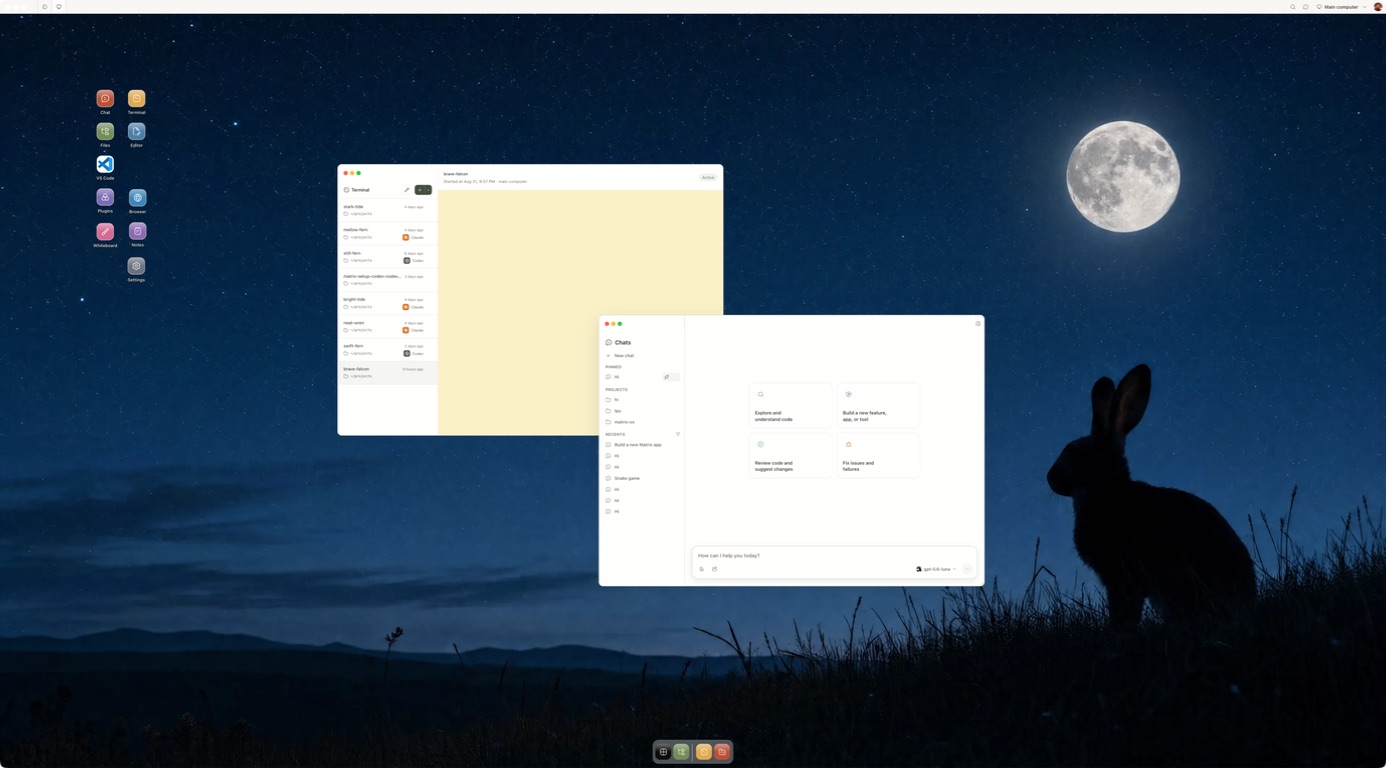
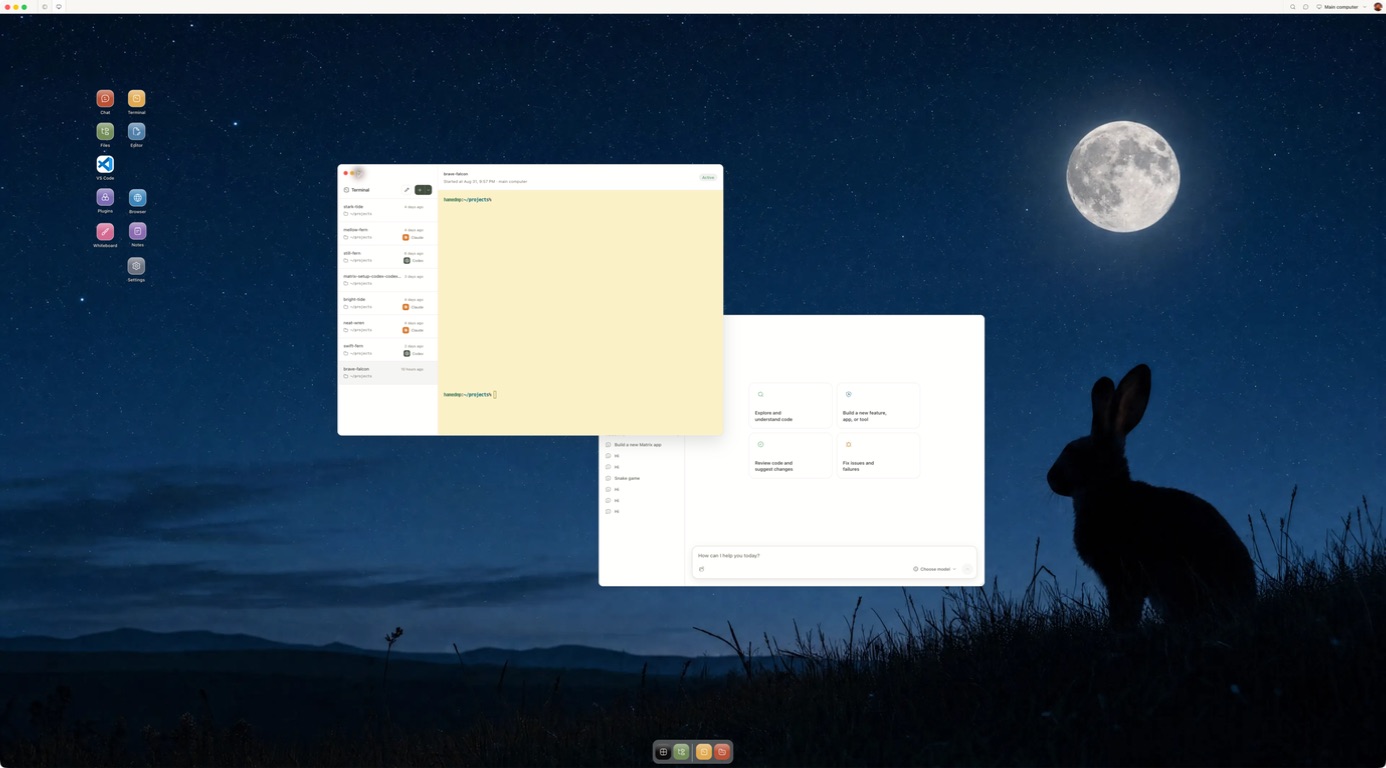
Competitor artwork is reproduced from public product materials for identification. Matrix images show the current Desktop product.
Why Matrix
Matrix is a place for agents to work across projects and providers. These are the practical reasons teams add it to their stack.
Use Claude Code, Codex and other compatible native agents in the same computer. Configure Hermes with the model and provider that fit the job.
Create agentsChoose the computer plan and model provider separately. Check each provider's usage and billing before a long-running job; Matrix does not promise a universal spend cap.
Matrix pricingGive connected services only the access a task needs. Inspect the workspace and review consequential output before it leaves your team.
Security and privacyWork on a persistent computer with files, browser, terminal and running services. Manual self-hosting on your own VPS is available in Preview, with different setup and feature coverage from managed Cloud.
Self-host PreviewShare live Chat or terminal sessions with owner, editor and viewer roles, so people can review the same work together.
CollaborationMatrix is built in Europe, supports EU and UK teams, and offers German compute locations for the computer. Check provider and connected service regions separately.
EU and UKAsk our team about the up-to-€1m guarantee program for qualifying engagements. Coverage and eligibility are supplied through sales.
Explore the programPractical checklist
Use these questions as a starting point. Product features and plan terms change, so check the provider before deciding.
| Question | Grok Bot | Matrix OS |
|---|---|---|
| At a glanceWhat is the durable product? | A roster of named Bots with separate conversations and memory. | A persistent computer for human and agent work. |
| Can you choose the agent? | Grok Bots within xAI's managed product. | Claude Code, Codex and other installed native agents; Hermes has configurable model providers. |
| AccessWhere do you talk to it? | Grok Bot desktop and mobile surfaces, with text and voice. | Desktop, web, CLI and a phone browser for the same computer. |
| ToolsWhat can it use? | Bots share an xAI cloud computer, browser, files and connected app logins. | Files, browser, terminal, repositories and running services; connected actions depend on setup. |
| ContinuityHow does it keep working? | Skills, routines, schedules and supported event triggers. | Configured workflows and schedules; Builder and Max computers stay on, while Starter sleeps. |
| ControlWhere does context live? | Each Bot has its own memory and conversation history; computer resources are shared. | Saved chats, project files, instructions, skills and named sessions in the workspace. |
| What can you inspect? | Bot conversations and work in its managed computer. | Open the files, terminal and browser directly; set connected-service access and review consequential work. |
| OwnershipCan you host the runtime? | xAI-hosted beta. | Managed Matrix Cloud or manual self-hosting in Preview, with different feature coverage. |
| Practical fitHow is it paid for? | Access depends on an eligible xAI plan; verify current Bot usage terms. | Computer plan plus any separate agent or model-provider charges. Check both before a long task. |
| What about the EU and UK? | Check current account and plan eligibility in Grok Bot; public documentation does not establish general EU/UK availability. | Built in Europe; EU and UK access with German computer regions available. Check connected providers separately. |
Framework adapted from Every's personal agents comparison; Matrix answers are based on our current product documentation.
The details
We publish these comparisons ourselves. Follow the linked product sources and test one task before you choose.
Grok Bot gives you a coordinated roster of xAI Bots. Matrix OS gives you a persistent computer where you can run native coding agents and your own tools. Both can keep work available between sessions, but the durable thing you manage differs: a Bot team in one product, a project environment in the other.
xAI describes Grok Bot in its product announcement and current documentation. This comparison reflects those sources and Matrix's current product on September 29, 2026.
| Question | Grok Bot | Matrix OS |
|---|---|---|
| Primary unit | A set of named Bots with jobs and per-Bot memory | An owner-controlled persistent Linux computer |
| Underlying computer | One cloud computer shared by your Bots | Your Matrix computer, with files, browser, terminal and services |
| Agent choice | Grok Bots in the xAI product | Native tools such as Claude Code, Codex, OpenCode and Pi |
| Collaboration | Bot group chats and coordination | Multiple agent sessions and separate worktrees; Symphony supports coding coordination |
| Repeatable work | Skills, routines and supported triggers | Native scripts and tools; connected Hermes workflows and schedules with setup |
| Direct development control | Bot can use its computer | Human can open the same files, terminal, processes, browser and repositories |
| Runtime and hosting | xAI-hosted beta | Managed Matrix Cloud; AGPL runtime with manual self-host Preview |
| EU and UK | Verify Grok Bot account and plan eligibility | Supports EU and UK users; German compute regions available |
Grok Bot makes delegation legible. Assign distinct Bot roles, then bring them into a group conversation to coordinate a job. xAI's overview says each Bot has separate memory and conversations, while all your Bots share a cloud computer, browser, files and app logins. A shared computer can help them build on one another's work. It also means you should treat connected credentials and files as shared resources.
For a process you perform repeatedly, xAI documents skills and routines, including schedules and supported event triggers. Grok Bot supports text and voice access through its desktop and mobile surfaces. This is attractive when the product should manage the agent roster for you.
Matrix begins with the working environment. Bring a repository into a computer, install the tools you need, run a native coding agent and inspect its changes in the same files and terminal a person would use. Keep dependencies, local services and worktrees available when the browser closes. On Builder or Max, the computer can remain on for background work; Starter has a sleep lifecycle.
Matrix supports several agent sessions, and Symphony can coordinate coding tasks. That is not identical to Grok Bot's per-Bot personal memory or chat-based Bot roster. Matrix's saved chats, instructions, project files and skills keep context in the environment you control. Hermes and supported integrations can help with connected workflows, but their available actions depend on configuration. The Matrix introduction shows the workflow and the integration guide lists supported services.
The Matrix runtime is open source. Managed Matrix Cloud handles provisioning and operating infrastructure; manual self-hosting is in Preview. If agent vendor choice and direct computer access matter to your team, these are meaningful differences.
Matrix is the stronger starting point when the result must live as a repository change, running service or durable project computer. Give your chosen native agent a small coding job with one acceptance test. Review the files, test output, permissions and how you resume after disconnecting. Try the Matrix quickstart.
For users in Europe or the UK, Matrix supports signup and German compute locations. xAI's public Bot documentation does not establish a general EU/UK availability promise, so check your plan in the live Grok Bot product. If you are also considering OpenAI and Meta, read the four-product comparison or the focused Dots vs Grok Bot guide.
Inside Matrix
Start with a task you can review.
Meet Matrix OS