How to keep Claude Code running after you close your laptop
Run Claude Code on a Matrix cloud computer, reconnect to the same terminal, and review its files and tests after your laptop sleeps.
To keep a terminal-based Claude Code task working while your laptop sleeps, run it on a remote computer in a persistent terminal session. This guide uses Matrix: sign in, open the cloud Terminal, run a small task, reconnect and inspect the output.
If you only need the short answer, read what happens to Claude Code when a laptop closes. Sleep pauses local execution; it does not necessarily kill the process or erase its work.
Before you start
You need a running Matrix computer, a supported Claude Code account or API access, and a repository you can safely use for a small task. Provisioning Matrix does not automatically authenticate Claude Code or grant it access to GitHub.
Check current Matrix pricing, the selected computer's lifecycle and the terms at checkout. Use a plan suitable for background work. An agent waiting for input, a stopped computer or an expired provider credential cannot keep making progress simply because the terminal is remote.
Setting up a persistent Claude Code session
1. Sign in and select your computer
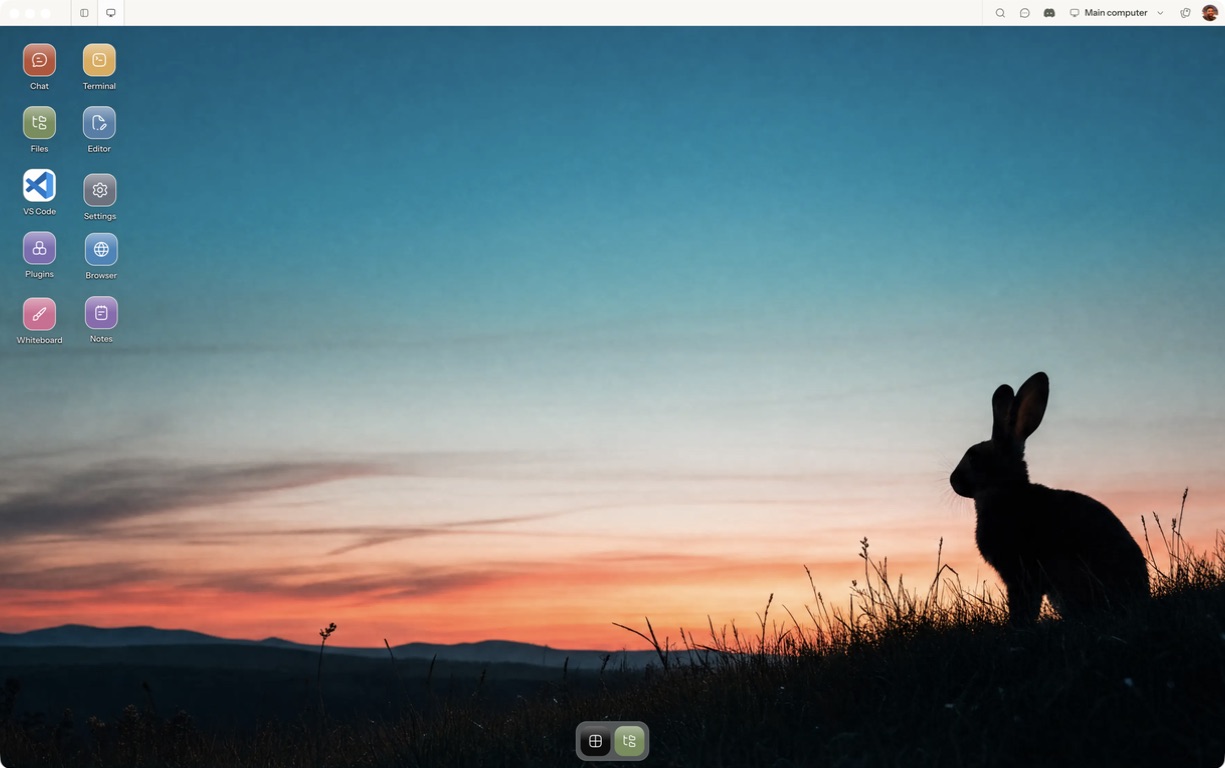
Open Matrix Cloud or follow the desktop installation guide. Approve the desktop in your browser and choose the computer you intend to use. First-time hosted setup also includes plan selection, checkout and provisioning; the quickstart describes those steps.
2. Open Terminal on the cloud computer
Open Terminal from the Matrix desktop and create a separate session for the task. Keep its name so you can find it when you reconnect. Prepare the repository inside that terminal, using the repository's own setup instructions.
pwd
git status --short
claude --version
If Claude Code is missing or needs authentication, follow its official setup instructions. Authenticate on the cloud computer. Do not paste an API key into a screenshot or a shared task brief.
3. Give Claude one bounded task
Start Claude from the repository directory:
claudeTry a task whose result you can verify:
Fix the one failing test in this sample repository.
Keep the change small and preserve the existing tests.
Run the test command, explain the diff, and stop for review.
Do not commit, push, publish or deploy anything.
Watch the initial run long enough to resolve authentication or permission prompts. A task waiting for approval is paused, even when the computer itself is healthy.
4. Reconnect before relying on an overnight run
Leave the remote session running and disconnect the viewing client. Reopen Matrix, select the same computer and open the same Terminal session. Check whether it is still working, finished or waiting for you.
The useful test is observable progress: a later test log, a completed command or changed files. Do not infer success merely because a terminal tab reappeared. Closing the entire cloud computer, stopping the process and disconnecting the client are different operations.
5. Inspect what changed
In the repository, review the result:
git status --short
git diff --stat
git diff
Run the repository's test command yourself. Open the affected files in Files or Editor if you prefer a visual review. Commit or open a pull request only after checking the diff and tests.
Attach from the CLI
The Matrix CLI quickstart provides a terminal route to the same computer:
matrix login --profile cloud
matrix shell ls
matrix shell connect -c blog-demo
Use the actual existing session name instead of blog-demo when reconnecting. The connect command can create a session when it is missing; opening a new session is not proof of recovering the previous agent conversation.
What to hand to Claude Code overnight
Good first candidates have a small scope and a clear stopping point: reproduce one bug, add a missing test, prepare release notes from a fixed commit range, or investigate one failing build. Save results in files and leave consequential decisions for review.
Avoid a first task such as “fix every open issue.” It combines uncertain scope, repository access, external actions and potentially conflicting changes. Prove the bounded workflow first, then expand it.
Running multiple agents in parallel
Use a separate Git worktree, branch and named terminal for each writing agent. Give each worktree its own development ports and test database where needed. Two branches in the same checkout do not isolate simultaneous edits.
Follow Git worktrees for coding agents and running Claude Code and Codex in parallel when one task is working reliably.
Matrix OS vs a raw VPS
A VPS with tmux can provide the same basic separation between your laptop and remote execution. You operate the server, session tools and access setup. Matrix adds a desktop/browser interface, computer selection, terminals and file access around the hosted environment. Choose based on the workflow you need and the infrastructure you want to manage.
FAQs
Will every session survive a restart?
No. Remote execution removes dependence on the laptop being awake; it does not eliminate host restarts, process crashes, provider limits or authentication failures. Keep progress in Git and files, inspect the last output, and use the agent's supported resume behavior when necessary.
Can I check progress from my phone?
Use the supported mobile access workflow. Verify the controls you need on your device; do not assume every desktop action or agent recovery path has mobile parity.
How much does it cost?
Review current plans and the terms shown at checkout. Agent-provider access may have separate charges. Select a computer lifecycle that fits the length and background behavior of your task.
Try a first task in Matrix
Fix one failing sample test in a named cloud Terminal session.
- Follow the quickstart to sign in, choose a computer and complete any required provisioning. To use the native app, follow the desktop installation and approval steps.
- Open a separate session with a small sample project or synthetic input. Configure the agent access needed for that task and make the expected output explicit.
- Reconnect and review the diff and test output before trying an overnight task.
Open Matrix →Read the quickstart →Current plans and pricing →