OpenAI Dots vs Meta Muse: personal AI agents compared
OpenAI Dot or Meta Muse? Compare computers, memory, app connections, approvals, payments and current EU and UK availability.
OpenAI Dots and Meta Muse both aim to help after the conversation ends. A Dot is an OpenAI agent inside ChatGPT, with a cloud computer, connected apps and scheduled work. Muse is Meta's personal agent for everyday goals, with its own secure computer environment and an emphasis on taking actions across consumer services. Your existing ecosystem, regional eligibility and approval needs will decide more than the model name.
This guide reflects OpenAI's Dots launch and Meta's Muse launch as of September 29, 2026. Both products are rolling out, so verify current features before signing up.
Dots vs Muse at a glance
| Question | OpenAI Dots | Meta Muse |
|---|---|---|
| Starting point | A primary Dot in ChatGPT | A personal Muse in Meta's app and supported messaging |
| Computer | Its own cloud computer and browser | A dedicated Secure VM and browser |
| Context | Dot memory, feedback and connected-app context | Personal memory and connected context |
| Repeated work | Schedules and proactive research | Background work and proactive suggestions |
| Apps | OpenAI describes 4,000+ possible app connections, subject to setup | Consumer services plus an expanding set of small-business connectors |
| Sensitive actions | Custom Rules and approvals | Approvals, access controls and an audit trail |
| Payments | No general autonomous wallet is promised in the launch | Meta describes checkout with Link and a one-time card after approval |
| September 29 region guidance | Pro excludes EEA, Switzerland and UK; other eligible plans differ | Meta describes availability in the US and Canada |
What Dots brings to ChatGPT
Dots starts in ChatGPT and spans research, documents, calendars and business apps. OpenAI describes an agent that can remember feedback, use its browser, schedule tasks and come back with progress or questions. One primary personal Dot is available at launch; OpenAI says additional Dots are planned. Supported Slack, Teams and voice experiences depend on rollout and account settings. The Dots getting-started guide has the current eligibility details.
OpenAI's app count describes a potential catalog, not 4,000 working integrations already configured for each user. Test the particular service and permission you need. Our guide to using Dots walks through a small first task.
What Muse emphasizes
Muse is framed around the things a personal assistant handles in daily life: coordinating plans, shopping, travel and keeping track of longer goals. Meta says Muse can continue work in the background, remember context and ask before sensitive actions. Its small-business update adds connectors including Notion, Shopify, Slack and Stripe. Check the specific connector and available actions rather than assuming every connected service is writable.
Payments are a real product difference. Meta says Muse can use Link and a one-time card to complete an approved purchase. That does not mean it has unrestricted spending authority: review the purchase and approval flow for your account. OpenAI's Dots launch does not make the same general payments promise.
Which can I use in Europe or the UK?
The answer for Dots depends on your plan. At launch, OpenAI excludes the Pro rollout in the EEA, Switzerland and UK. Business Premium is offered across supported ChatGPT regions, and Enterprise beta depends on an administrator. Meta's September 29 update describes Muse availability in the US and Canada; it does not announce an EU or UK launch. Read the Dots EU and UK availability guide and check both companies' live signup pages for changes.
If your immediate need is to run coding agents, files and a browser on a computer you can inspect, Matrix OS is another route for EU and UK users. It is a computer-centered workspace rather than a packaged personal assistant. See Muse vs Matrix for that distinction.
Start with a task in Matrix
Use Matrix to prepare one source-linked weekly briefing or make one small change in a repository. Open the files, browser and terminal afterward. Note what the agent did, what it only proposed and which actions required approval. Start with Matrix, then explore the wider personal-agent comparison.
Try a first task in Matrix
Ask each eligible agent to plan a small task across two connected services without taking external action.
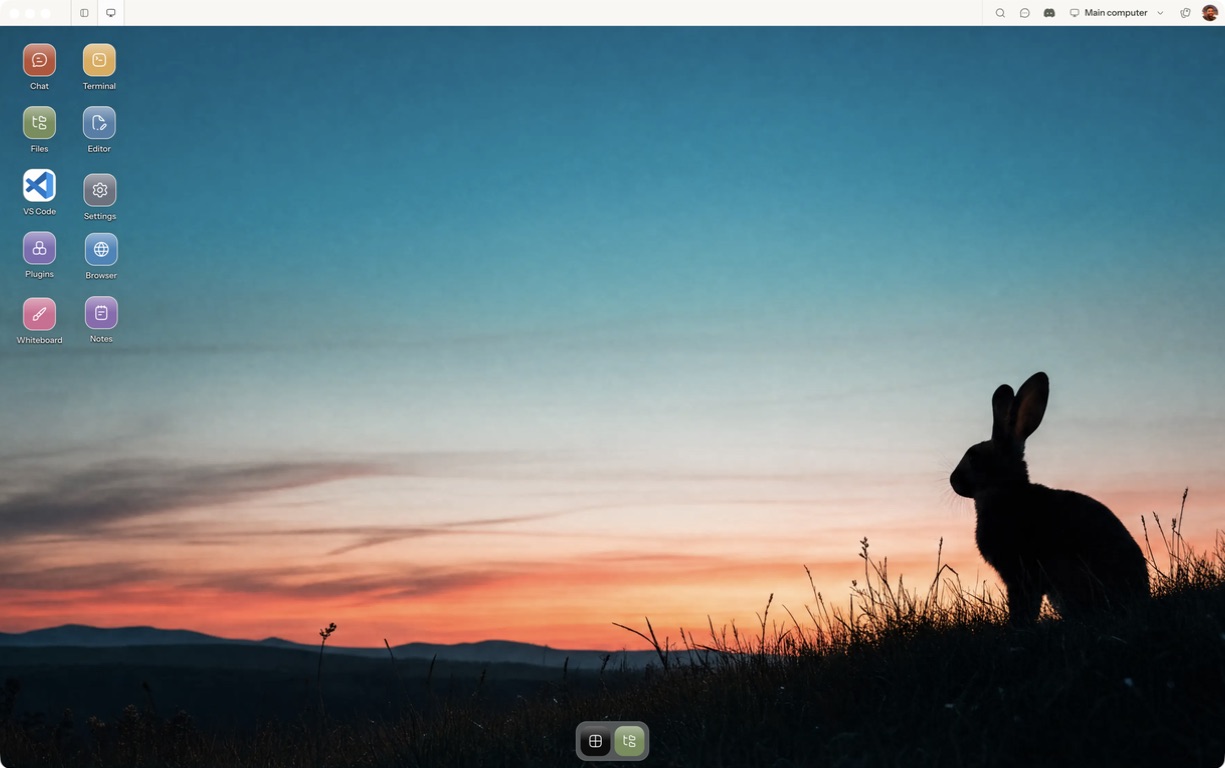
- Follow the quickstart to sign in, choose a computer and complete any required provisioning. To use the native app, follow the desktop installation and approval steps.
- Open a separate session with a small sample project or synthetic input. Configure the agent access needed for that task and make the expected output explicit.
- Check source quality, proposed actions, payment boundaries and region or plan eligibility.
For a worked coding example, use the setup and reconnect walkthrough. Inspect the result before expanding the scope or leaving a longer task unattended.
Open Matrix →Read the quickstart →Current plans and pricing →