What are OpenAI Dots? The new always-on agents explained
OpenAI Dots are always-on agents in ChatGPT. Learn what a Dot does, how its cloud computer and connected apps work, and who can use one at launch.
OpenAI Dots are always-on agents inside ChatGPT. A Dot can take an ongoing goal, use a cloud computer and apps you connect, keep context between conversations, and bring work back for your review. OpenAI introduced Dots on September 29, 2026. The product is rolling out gradually, and eligibility depends on plan and region. See OpenAI's launch announcement and current Help Center guide.
If you searched for “OpenAI Dot” in the singular, that means your individual agent. “Dots” is the product name.
What can a Dot do?
OpenAI positions a Dot as an agent that can keep working between conversations. You can ask it to research a question, prepare a document, check a connected calendar, or watch for a recurring issue. It can also schedule work and send progress or questions back through supported channels. The work may involve several steps rather than one chat response.
A Dot has its own cloud computer and browser. You can inspect that computer while it works. Access to your local computer is a separate, optional permission; it starts turned off. OpenAI says a Dot can also use connected apps and learn from feedback, preferences and prior context. Review each app's permissions before connecting it, because connecting an app can let the Dot use its information for future work. OpenAI explains these controls in its setup guide.
How is a Dot different from a normal ChatGPT chat?
A normal chat is a conversation you start and continue. A Dot is designed for ongoing responsibility: it can track a goal, continue with scheduled work, use connected tools and report back. OpenAI says it can research proactively using read-only access to apps already connected. Actions that affect accounts or share information are governed by built-in controls and Custom Rules. Dots can still make mistakes, so consequential work needs human review.
Where do you talk to a Dot?
You create a Dot in the ChatGPT desktop app or desktop web. After setup, OpenAI says you can talk to it in the ChatGPT mobile app when mobile access is available. OpenAI also describes Slack and Teams messaging, with texting in a limited beta. Channel and feature availability vary by account. A Dot cannot initiate a voice call to you at launch. See the live setup guide for current limits.
Who can use OpenAI Dots?
At launch, OpenAI says Dots are rolling out to eligible Pro and Business Premium users, with an Enterprise beta that an administrator must enable. Pro rollout excludes the European Economic Area, Switzerland and the UK; Business Premium is available across supported ChatGPT regions. Access may take several days to reach an eligible account. The plan distinction matters: “Dots are unavailable in Europe” is too broad. See our EU and UK availability guide or check OpenAI's current eligibility article.
What are specialist Dots?
OpenAI is also previewing specialist Dots with a distinct identity and access to defined company systems. The announcement describes focused enterprise pilots in which OpenAI works with organizations to set responsibilities, tools and review paths. Treat that as a pilot, rather than assuming every organization can enable specialist Dots today.
Is a Dot the same thing as a cloud computer?
No. The Dot is the OpenAI agent; its cloud computer is one tool it uses. That distinction helps when choosing a product. If you mainly want one managed agent to work across connected apps, Dots fit that job. If you want a computer that you operate and can use with several native coding agents, look at what Matrix OS is. Matrix gives developers a persistent environment for repositories, tools, files and services, with a managed cloud path and open runtime. It does not currently reproduce every Dot feature.
For setup, read How to start with OpenAI Dots. For a direct product comparison, see OpenAI Dots vs Matrix OS.
Try a first task in Matrix
Use a sample repository to see whether your work needs an inspectable persistent computer and native coding tools.
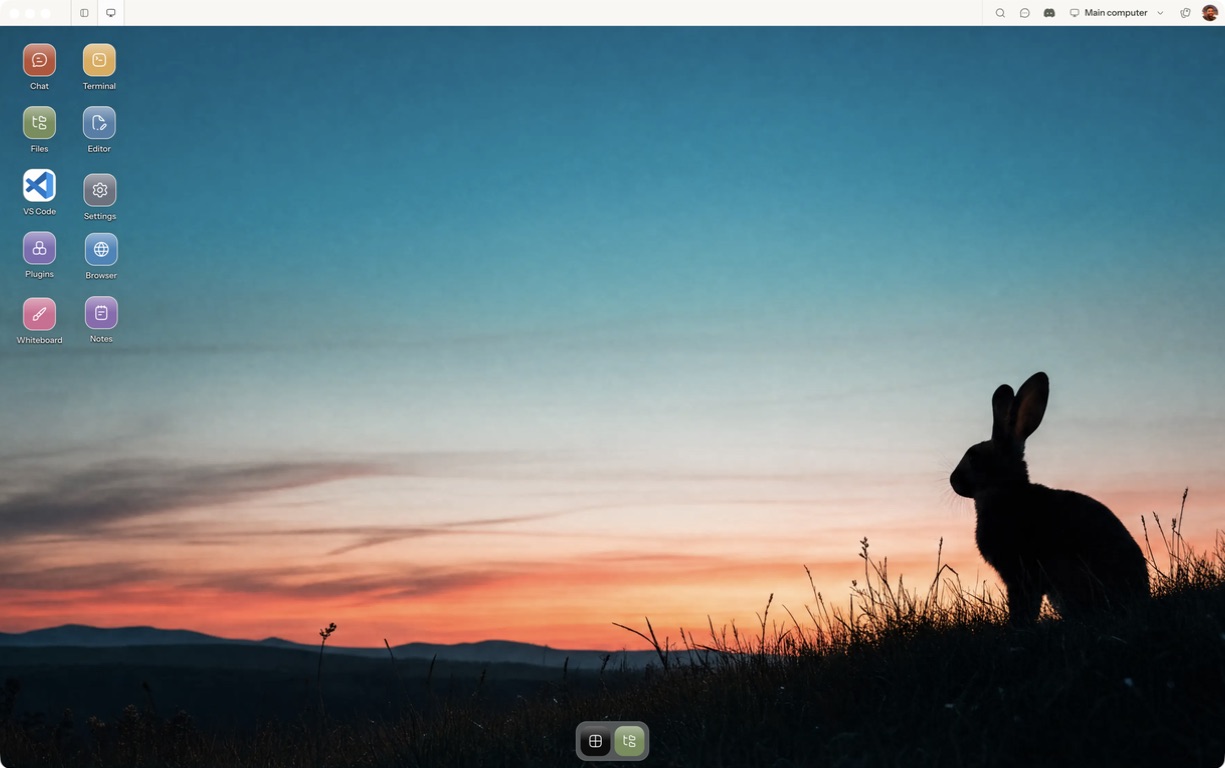
- Follow the quickstart to sign in, choose a computer and complete any required provisioning. To use the native app, follow the desktop installation and approval steps.
- Open a separate session with a small sample project or synthetic input. Configure the agent access needed for that task and make the expected output explicit.
- Check the changed file, test result and saved state before deciding whether a computer-centered workflow fits.
For a worked coding example, use the setup and reconnect walkthrough. Inspect the result before expanding the scope or leaving a longer task unattended.
Open Matrix →Read the quickstart →Current plans and pricing →