How to run multiple Claude Code sessions in parallel
Run parallel Claude Code sessions without agents overwriting files, sharing branches, or fighting over ports and databases.
You can run multiple Claude Code sessions at once. Give each one its own Git worktree, branch, and terminal. If the sessions start applications or tests, they also need separate ports and development data.
For two read-only sessions, opening two terminals in the same checkout is probably enough. It stops being enough when both agents write files. One agent runs a formatter while another edits the same module. The resulting diff belongs cleanly to neither task.
What does each Claude Code session need?
Think of every agent as a developer who needs an isolated desk:
| Resource | Share it? | Recommended setup |
|---|---|---|
| Git history | Yes | One repository |
| Working directory | No | One worktree per agent |
| Branch | No | One branch per task |
| Terminal | No | One named session per agent |
| Application port | No | Assign a unique port |
| Development database | Usually no | Separate database or schema |
| Production credentials | No | Do not give unattended agents production access |
Claude Code also supports subagents and isolated worktree sessions. A subagent is useful when one main session needs a bounded investigation. Separate top-level sessions fit tasks that should produce independent branches and reviews.
How do you run multiple sessions on the same repository?
Start from a clean main checkout:
git fetch origin
git worktree add ../project-billing -b agent/billing origin/main
git worktree add ../project-tests -b agent/tests origin/main
git worktree add ../project-docs -b agent/docs origin/main
Open a terminal in each directory and start Claude Code:
cd ../project-billing
claude
Give each session a result you can review on its own. “Improve the application” is not a parallel task. “Fix issue 318, run the billing tests, and leave the result on the current branch” is.
How do you install the Matrix CLI?
Install the matrix command on the computer you use to connect. Choose Homebrew, npm, or the standalone installer:
# Homebrew (macOS or Linux)
brew install finnaai/tap/matrix

# npm (requires Node.js 20 or newer)
npm install -g @finnaai/matrix

# Standalone binary (no Node.js required)
curl -fsSL https://get.matrix-os.com | sh
Then sign in and check the connection:
matrix login --profile cloud
matrix doctor
matrix whoami
You can also try the CLI without installing it globally with npx --yes @finnaai/matrix <command> or pnpm dlx @finnaai/matrix <command>. See the Matrix CLI documentation for installation details and command options.
If you would rather delegate the setup, follow the Matrix Quickstart and paste its setup prompt into Claude Code, Codex, or another terminal agent. The agent can install the CLI, start the login flow, verify the connection, set up a persistent session, and help authenticate GitHub. You still approve browser or device-login prompts yourself; the setup does not require giving the agent your local private keys or credentials.
How do you keep parallel sessions running remotely?
On a Matrix computer, named sessions keep the agent processes on the remote machine:
matrix run -it --session billing -- bash -lc 'cd ~/projects/project-billing && claude'
matrix run -it --session tests -- bash -lc 'cd ~/projects/project-tests && claude'
Detach without terminating the session with Ctrl-\ Ctrl-\. The processes continue on the Matrix computer after your laptop disconnects. You can reconnect later through the browser or CLI.
Matrix does not remove the need for Git isolation. It gives those isolated sessions a computer that stays online, plus durable terminals, files, previews, and a common review surface. See how persistent Claude Code sessions work.
Why do isolated worktrees still collide?
Assign each worktree a small environment file that is not committed:
# billing worktree
PORT=3101
DATABASE_URL=postgresql://localhost/project_billing

# tests worktree
PORT=3102
DATABASE_URL=postgresql://localhost/project_tests
If every branch points at the same mutable database, the sessions are not isolated. One agent may reset fixtures while another is halfway through an integration test. The second agent reports a flaky test even though the database caused it. Use disposable databases or containers for destructive migrations and review anything that targets a shared environment.
How should you merge parallel agent work?
Parallel execution should converge into a serial review queue:
- Require each agent to run the relevant tests.
- Inspect its diff and terminal log.
- Rebase or merge the branch onto the latest target branch.
- Run integration tests again.
- Merge one branch.
- Refresh the remaining branches before accepting them.
The highest agent count is not the goal. Useful throughput is completed, reviewed work with a low collision rate.
When not to parallelize
Keep work sequential when tasks modify the same central files, depend on an unsettled architecture decision, require the same test fixture, or would produce a merge conflict larger than the time saved. Two agents editing the same database schema and API contract are usually not independent tasks.
For a managed view of long-running parallel sessions, branches, diffs, and review status, see Matrix Symphony. For the isolation mechanics, continue with Git worktrees for coding agents.
Common questions about parallel Claude Code sessions
Can two Claude Code sessions edit the same repository?
They can, but they should not edit the same working directory concurrently. Give each session a separate Git worktree and branch.
How much memory do parallel Claude sessions need?
The agent process is only part of the load. Language servers, package installs, test runners, browsers, databases, and dev servers often use more memory. Start with two sessions, observe memory and CPU, then scale.
Should I use Claude subagents or separate sessions?
Use subagents for delegated research or bounded supporting work inside one parent task. Use separate sessions for independently reviewable changes that need isolated files and terminals.
Try a first task in Matrix
Create two separate worktrees and give each Claude session a non-overlapping task.
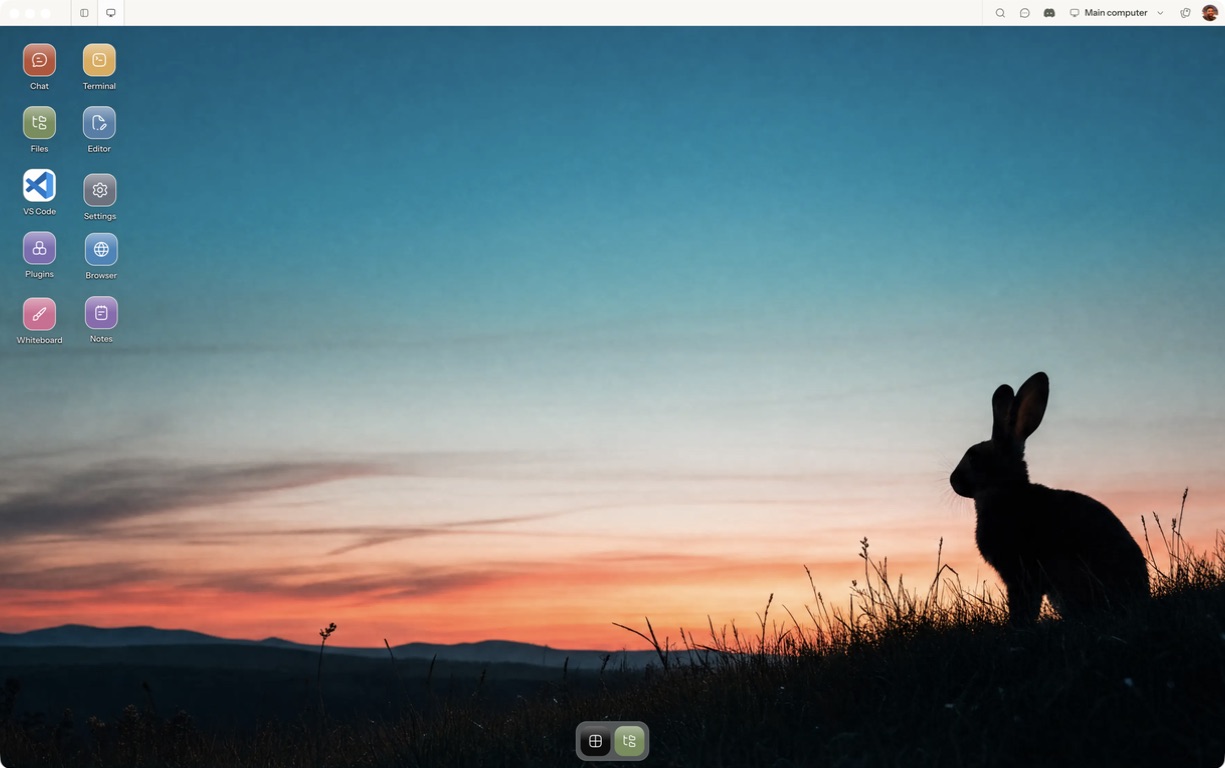
- Follow the quickstart to sign in, choose a computer and complete any required provisioning. To use the native app, follow the desktop installation and approval steps.
- Open a separate session with a small sample project or synthetic input. Configure the agent access needed for that task and make the expected output explicit.
- Check branch, directory, ports and databases before concurrent writes.
For a worked coding example, use the setup and reconnect walkthrough. Inspect the result before expanding the scope or leaving a longer task unattended.
Open Matrix →Read the quickstart →Current plans and pricing →