Git worktrees for AI coding agents: a practical guide
Give Claude Code, Codex, and other agents isolated working directories and branches without cloning the repository repeatedly.
Git worktrees let multiple AI coding agents use the same repository history while editing separate working directories and branches. Create one worktree per writing agent, start each agent inside its assigned directory, and merge results through an ordered review queue.
Why are branches alone not enough for parallel agents?
A Git branch separates history, but one working directory can only have one checked-out state at a time. If two agents write into that directory concurrently, they share files, the index, generated output, package locks, and build artifacts.
One package install can rewrite the lockfile while another agent is editing it. A formatter can touch both agents' files. Git then shows one mixed diff with no reliable ownership.
A worktree gives each agent its own filesystem view:
~/projects/app-main       main
~/projects/app-billing    agent/billing
~/projects/app-tests      agent/tests
The worktrees share Git objects, so they use less disk and fetch time than several unrelated clones.
How do you create a worktree for each agent?
cd ~/projects/app-main
git fetch origin
git status --short
git worktree add ../app-billing -b agent/billing origin/main
git worktree add ../app-tests -b agent/tests origin/main
git worktree list
Do not hide uncommitted changes before creating parallel work. Decide whether to commit, stash, or move them deliberately.
How do you start agents in the worktrees?
cd ~/projects/app-billing
claude
In another terminal:
cd ~/projects/app-tests
codex
Put the directory, branch, allowed scope, required tests, and stopping conditions in each task prompt. Ask the agent to report git status --short and the commit SHA when it finishes.
What do worktrees fail to isolate?
Worktrees separate tracked files, but external state can still collide:
- package caches may be shared,
- dependency directories are per worktree unless configured otherwise,
- dev servers need unique ports,
- tests need separate databases or schemas,
- containers need unique project names,
- browser-test artifacts need separate output directories.
Create uncommitted per-worktree environment files and document the assigned resources. Continue with avoiding port and database conflicts.
How do you review and remove an agent worktree?
Inspect the diff and tests for one branch, merge it, then update the remaining branches before review. A useful sequence is:
git -C ../app-billing diff origin/main...HEAD
git -C ../app-billing status --short
After the branch is merged and no longer needed:
git worktree remove ../app-billing
git branch -d agent/billing
git worktree prune
Never remove a worktree with valuable uncommitted changes. Inspect status and preserve the work first.
Common questions about Git worktrees for coding agents
Can two worktrees use the same branch?
Git normally prevents checking out the same branch in multiple worktrees. Give every active agent its own branch.
Do worktrees isolate databases and ports?
No. They isolate working directories and branch state. You must separately configure runtime resources.
Are separate clones safer?
Separate clones provide stronger repository-level separation but cost more disk and synchronization work. Worktrees are usually the simplest balance for concurrent branches on one trusted computer.
Try a first task in Matrix
Create separate worktrees for two independent sample changes.
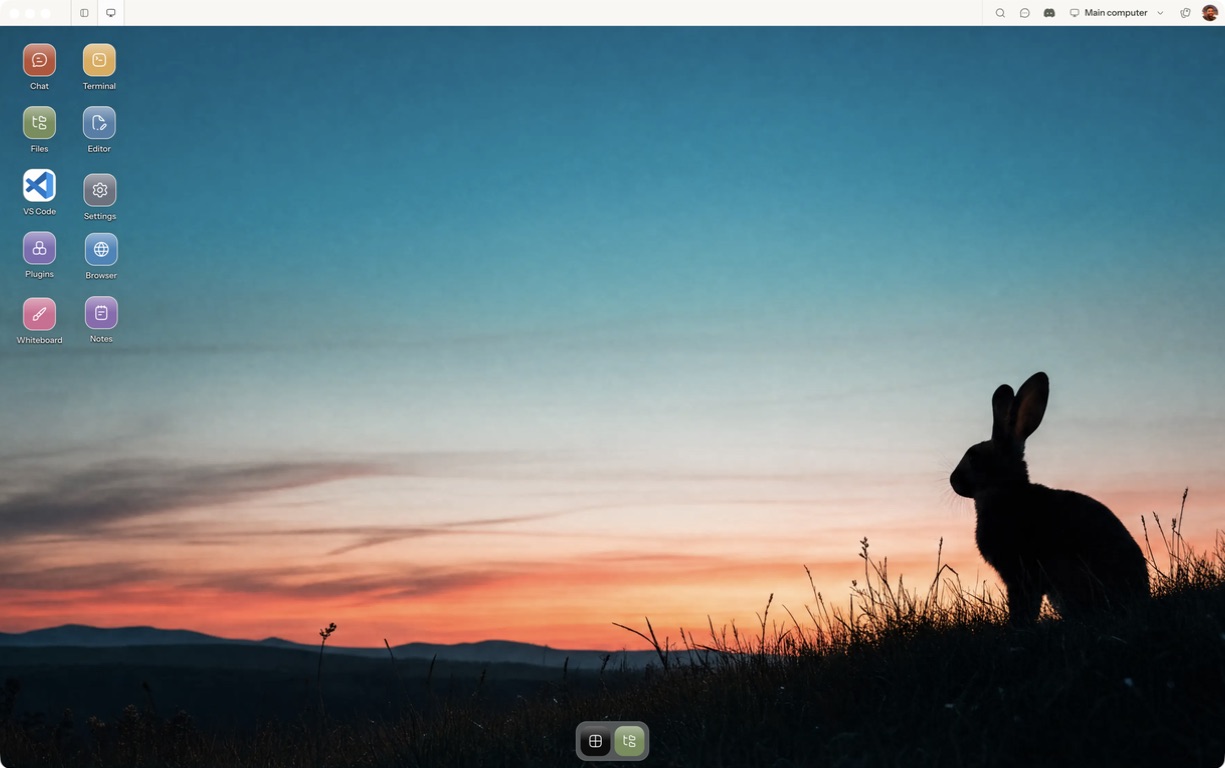
- Follow the quickstart to sign in, choose a computer and complete any required provisioning. To use the native app, follow the desktop installation and approval steps.
- Open a separate session with a small sample project or synthetic input. Configure the agent access needed for that task and make the expected output explicit.
- Inspect the working directory and branch of each session before either agent writes.
For a worked coding example, use the setup and reconnect walkthrough. Inspect the result before expanding the scope or leaving a longer task unattended.
Open Matrix →Read the quickstart →Current plans and pricing →