How to use Claude Code from your phone
Start, monitor, and resume Claude Code work from a phone without leaving your laptop awake or exposing an insecure terminal.
There are three practical ways to use Claude Code from a phone: Claude Code Remote Control, Claude Code on the web, or a browser/terminal connected to a persistent remote computer. The right choice depends on whether the work must use your laptop’s existing environment or can run entirely in the cloud.
Which Claude Code mobile setup should you use?
| Method | Where the process runs | Laptop must remain on? | Best for |
|---|---|---|---|
| Claude Code Remote Control | Your local computer | Yes | Continuing a local session from another device |
| Claude Code on the web | Anthropic-managed environment | No | Delegating GitHub-based tasks |
| VPS plus mobile SSH | Your VPS | No | Operators who want infrastructure control |
| Matrix OS browser workspace | Your Matrix computer | No | Persistent files, terminals, previews, and multiple agents |
Remote Control changes where you type. It does not move the process off your computer. If the laptop sleeps or loses power, that session cannot keep working. Claude Code on the web runs remotely, but it is a different workflow from maintaining a long-lived development computer with your own services and files.
How do you use a persistent Claude Code session from your phone?
First provision a Matrix computer and finish the Matrix quickstart. In its terminal, authenticate GitHub through GitHub’s supported browser flow, clone the repository, and start a named agent session:
matrix run -it --session mobile-work -- bash -lc 'cd ~/projects/my-repo && claude'Detach with Ctrl-\ Ctrl-\. The process remains on the remote Matrix computer. From your phone, open app.matrix-os.com, sign in, and open the terminal to inspect or steer the session.
Closing the phone browser closes the viewer. The process continues on the remote computer.
What is actually practical on a phone?
Mobile is a good control surface for:
- checking whether tests completed,
- answering a blocking question,
- reading a short diff summary,
- stopping a session that is going in the wrong direction,
- approving the next bounded step,
- confirming that a draft pull request exists.
Large diffs are miserable on a phone. So are merge conflicts, visual regressions, and permission changes. Use mobile access to steer and triage. Do the serious review on a larger screen.
Do not expose a raw terminal to the internet
Avoid opening SSH or a web terminal with only a weak password. Use a managed authenticated workspace or secure a self-managed server with SSH keys, a trusted network or VPN, TLS, firewall rules, updates, and backups. Never paste private keys or long-lived API credentials into a mobile chat.
What should you do before leaving your desk?
Before disconnecting:
- Put the task on its own branch or worktree.
- State the exact allowed scope.
- Require tests and a written summary.
- Tell the agent to stop before deployment, secret changes, or destructive migrations.
- Detach from the remote session instead of terminating it.
When you check from your phone, do not ask only “did it work?” Look for changed files, test output, logs, and a draft PR. Agents are very good at producing a confident summary of an incomplete result.
For the broader persistence model, read how to keep Claude Code running after your laptop closes. To compare all remote approaches, read Claude Code remote options.
Common questions about using Claude Code from a phone
Can Claude Code run directly on iPhone or Android?
The practical workflow is to use the phone as a client while Claude Code runs on a laptop or remote environment. A phone is not usually the development host for a real repository, toolchain, test suite, and dev server.
Does Claude Remote Control keep working when my laptop sleeps?
No remote interface can keep a local process executing while its underlying computer is asleep. Use a remote cloud environment if the laptop must be allowed to sleep.
Can I review a Claude Code pull request from my phone?
Yes, but use mobile review for triage and small diffs. Save complicated behavioral and security review for a larger screen and a reproducible development environment.
Try a first task in Matrix
Run a small remote task and inspect it from the supported mobile surface.
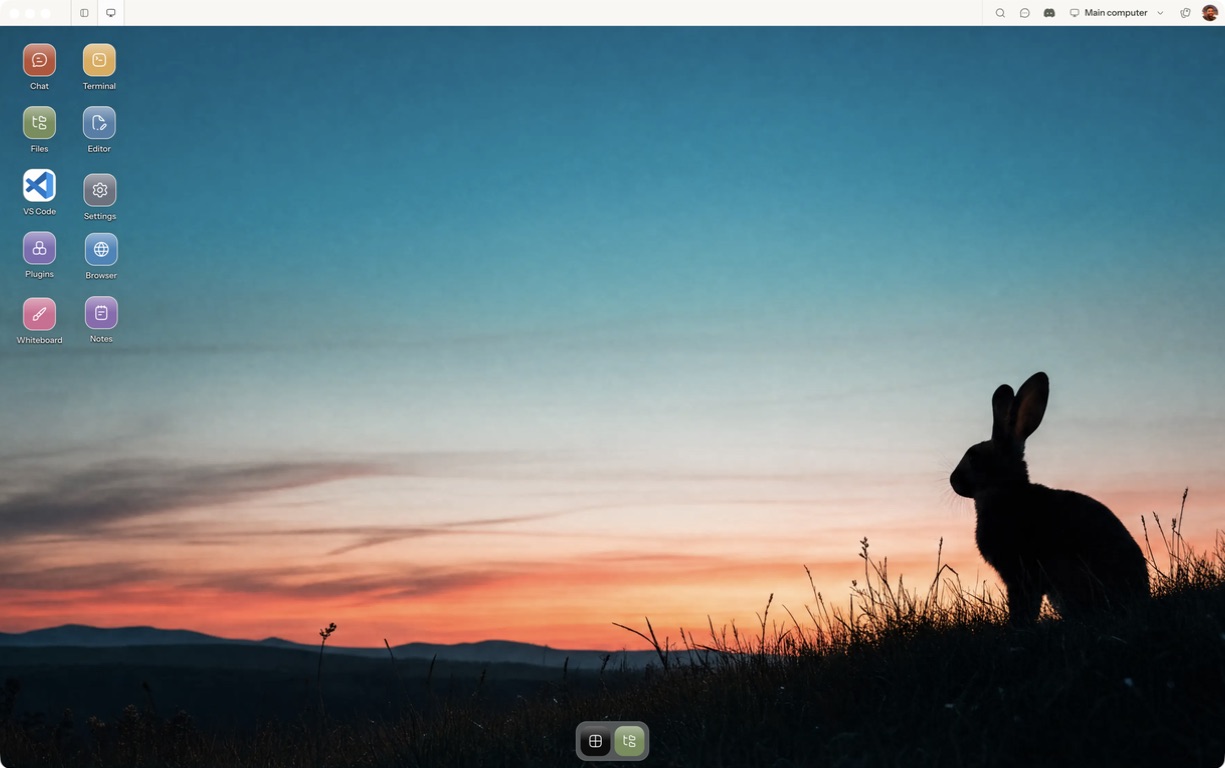
- Follow the quickstart to sign in, choose a computer and complete any required provisioning. To use the native app, follow the desktop installation and approval steps.
- Open a separate session with a small sample project or synthetic input. Configure the agent access needed for that task and make the expected output explicit.
- Verify the controls you need on that device; do not assume desktop control or recovery parity.
For a worked coding example, use the setup and reconnect walkthrough. Inspect the result before expanding the scope or leaving a longer task unattended.
Open Matrix →Read the quickstart →Current plans and pricing →