How to run OpenCode on a VPS
Install OpenCode on a remote Linux server, configure a model provider safely, and keep sessions available after disconnecting.
To run OpenCode on a VPS, create a secured non-root Linux account, install OpenCode using its current official instructions, configure your chosen model provider, clone the repository, and launch OpenCode inside tmux, zellij, or another persistent terminal. The session then survives your laptop disconnecting.
What does the OpenCode VPS need?
Choose enough CPU, memory, and disk for the project’s build, test, database, and language-server workload. Add a non-root developer user, SSH key authentication, a firewall, security updates, and backups. Do not expose development ports directly unless they sit behind deliberate authentication and TLS.
How do you install and authenticate OpenCode?
Use OpenCode’s official installer and verify the version. Its provider flexibility is useful, but it also means authentication differs by model provider. Use the provider’s supported environment or login method, grant the smallest necessary scope, and avoid placing keys in shell history, prompts, committed files, or logs.
Then authenticate GitHub and clone the repository:
gh auth login --hostname github.com --web
mkdir -p ~/projects
cd ~/projects
git clone git@github.com:owner/repo.git
Generate VPS-specific SSH credentials if needed and register only the public key.
How do you keep OpenCode running after disconnecting?
tmux new -s opencode
cd ~/projects/repo
opencode
Detach using Ctrl-b, then d. Reconnect later with:
ssh developer@your-server
tmux attach -t opencode
This protects against a network disconnect. It does not make the process reboot-proof or protect it from resource exhaustion. If a large test run exhausts memory, tmux will faithfully preserve a session containing a killed process.
When does a persistent workspace remove useful setup work?
Matrix can install OpenCode as a developer tool and run it beside other coding agents on the same dedicated computer:
matrix run -it --session opencode-main -- bash -lc 'cd ~/projects/repo && opencode'Matrix adds managed browser access, persistent named sessions, files, previews, and review surfaces around the underlying computer. See the coding-agent guide or self-host Matrix on a VPS.
Can OpenCode run beside Claude Code or Codex?
Use one worktree per writing agent. Give OpenCode a defined branch and task, assign unique application resources, and keep production credentials out of the environment. Require tests and review before merging.
Common questions about running OpenCode on a VPS
Which model does OpenCode use on a VPS?
OpenCode supports multiple providers. The VPS does not determine the model. Your OpenCode configuration and provider credentials do.
Does OpenCode keep running after SSH disconnects?
Only when it runs inside a persistent session or platform terminal. A process attached directly to the dropped SSH shell may terminate.
Should OpenCode run as root?
No. Use a non-root development account and least-privilege credentials so a mistaken command has a smaller blast radius.
Try a first task in Matrix
Configure the supported OpenCode access and run a bounded sample task remotely.
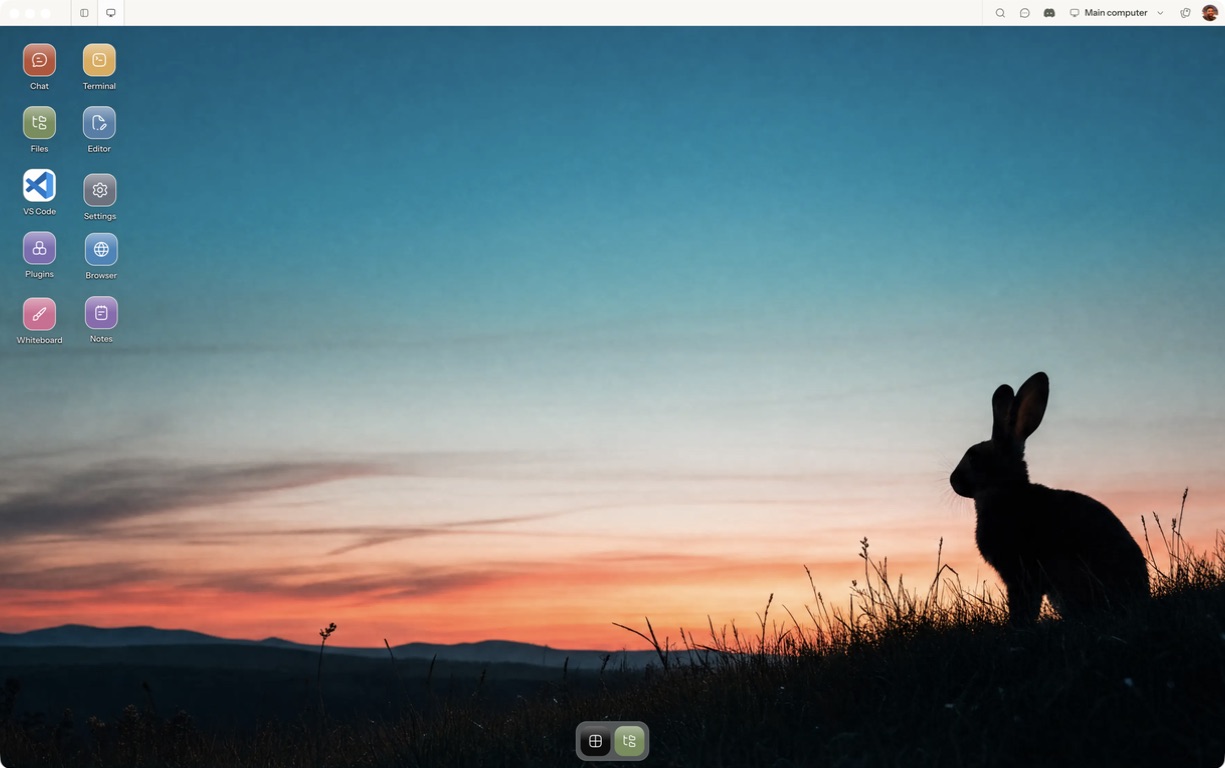
- Follow the quickstart to sign in, choose a computer and complete any required provisioning. To use the native app, follow the desktop installation and approval steps.
- Open a separate session with a small sample project or synthetic input. Configure the agent access needed for that task and make the expected output explicit.
- Verify provider readiness, changed files and test output before increasing scope.
For a worked coding example, use the setup and reconnect walkthrough. Inspect the result before expanding the scope or leaving a longer task unattended.
Open Matrix →Read the quickstart →Current plans and pricing →