How to run Gemini CLI remotely on an always-on computer
Run Gemini CLI on a persistent cloud computer, reconnect from any device, and avoid unsafe credential and terminal setups.
Run Gemini CLI remotely by installing it on an always-on Linux computer, authenticating it there through a supported Google flow, cloning the repository, and starting the CLI inside a persistent terminal. Your laptop or phone becomes the client. The remote computer owns the files, processes, and uptime.
How do you install Gemini CLI on a remote server?
Google’s Gemini CLI requires a supported Node.js version. Verify the current requirement in the official documentation, then install the CLI:
npm install -g @google/gemini-cli
gemini --version
gemini
Complete the displayed authentication flow. Depending on the account and provider mode, you may also need a Google Cloud project or API configuration. Keep credentials in the remote user’s protected environment and never paste secrets into prompts or shared logs.
How do you keep Gemini CLI running after SSH disconnects?
SSH to the server as a non-root user and start a persistent terminal:
tmux new -s gemini
cd ~/projects/my-repo
gemini
Detach with Ctrl-b, then d, and reconnect with tmux attach -t gemini. If you start gemini directly in the SSH shell, a dropped connection can take the process with it.
Secure the server with SSH keys, firewall rules, updates, backups, and a trusted access layer. Do not put an unauthenticated web terminal on the public internet.
When does a managed persistent workspace help?
Matrix supports coding agents inside the same persistent computer and named-session model. Install the chosen tool during setup or from the terminal, authenticate it through its own flow, then run:
matrix run -it --session gemini-main -- bash -lc 'cd ~/projects/my-repo && gemini'Detach with Ctrl-\ Ctrl-\. You can return from the browser or CLI without restarting the repository environment. See Matrix coding-agent documentation.
Can Gemini CLI share a server with other coding agents?
If Gemini CLI runs alongside Claude Code, Codex, or OpenCode, do not point several writing agents at one checkout. Create separate worktrees and assign distinct branches, terminal sessions, ports, and databases.
git worktree add ../repo-gemini -b agent/gemini origin/mainRequire a diff, tests, and a summary before accepting work. Remote execution improves availability. It does not remove the need for review.
Common questions about remote Gemini CLI sessions
Does Gemini CLI continue when my laptop sleeps?
Only when Gemini CLI is running on another computer that stays online and the terminal session is persistent. A locally running CLI cannot continue useful execution while the laptop sleeps.
Can I use Gemini CLI through a phone?
Use the phone as a browser or secure terminal client connected to the remote computer. Complex code review is still better performed on a larger screen.
Can Gemini CLI share a repository with another agent?
It can share Git history, but concurrent writing agents should use separate worktrees and branches to avoid overwrites and ambiguous diffs.
Try a first task in Matrix
Run Gemini CLI from a small repository on the cloud computer.
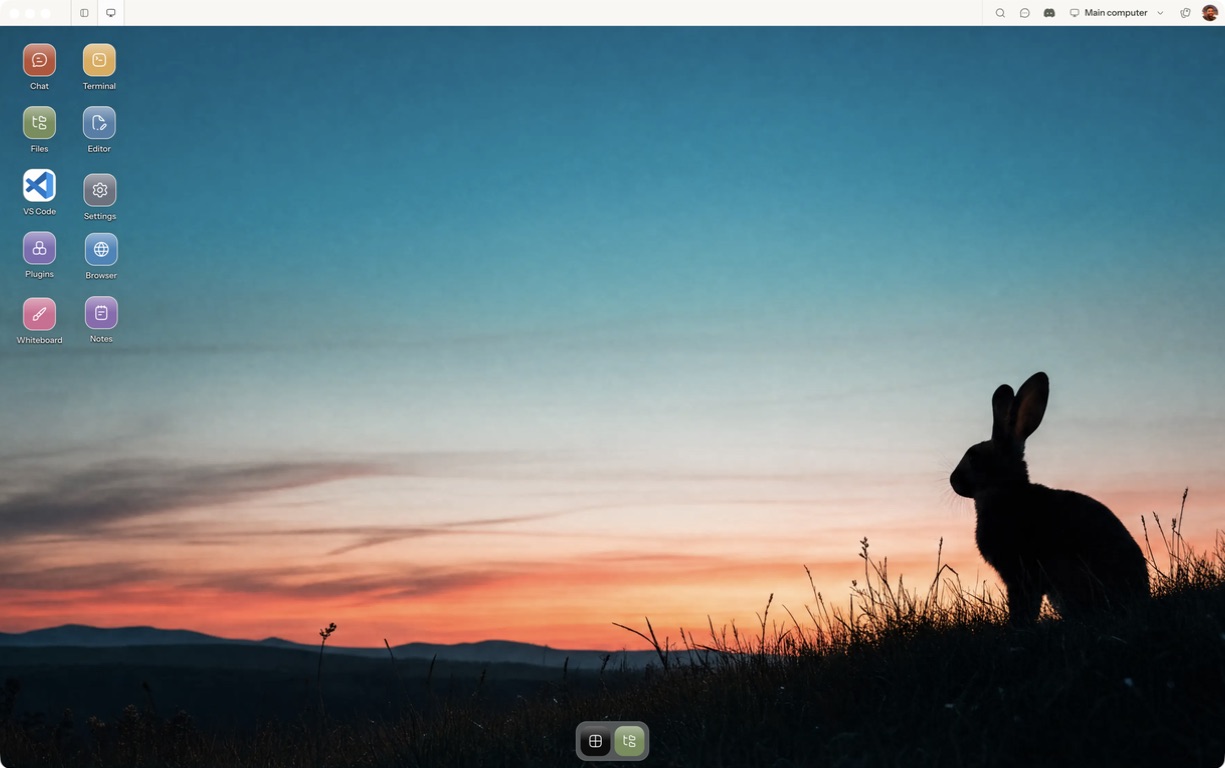
- Follow the quickstart to sign in, choose a computer and complete any required provisioning. To use the native app, follow the desktop installation and approval steps.
- Open a separate session with a small sample project or synthetic input. Configure the agent access needed for that task and make the expected output explicit.
- Check authentication, task output and the same remote session when reconnecting.
For a worked coding example, use the setup and reconnect walkthrough. Inspect the result before expanding the scope or leaving a longer task unattended.
Open Matrix →Read the quickstart →Current plans and pricing →